

Experience Listplace in Action
See how ListPlace works in real scenarios—explore the website, user, and admin panels, and discover how you can manage business listings, categories, custom fields, paid listings, and build a successful directory platform with ease.
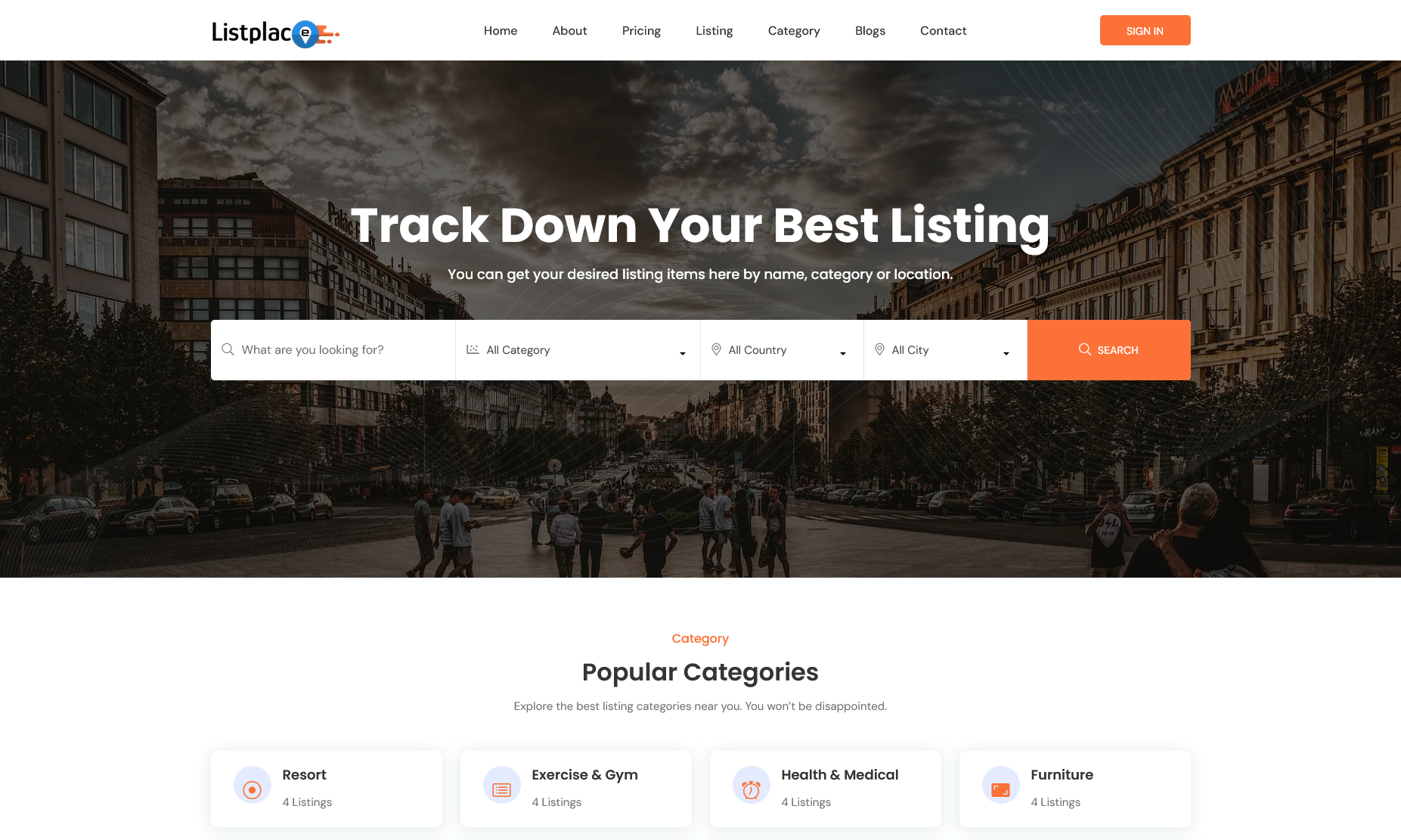
Theme - 01
Explore the modern directory layout designed for maximum engagement, displaying featured listings, categories, and smart search filters.
View Demo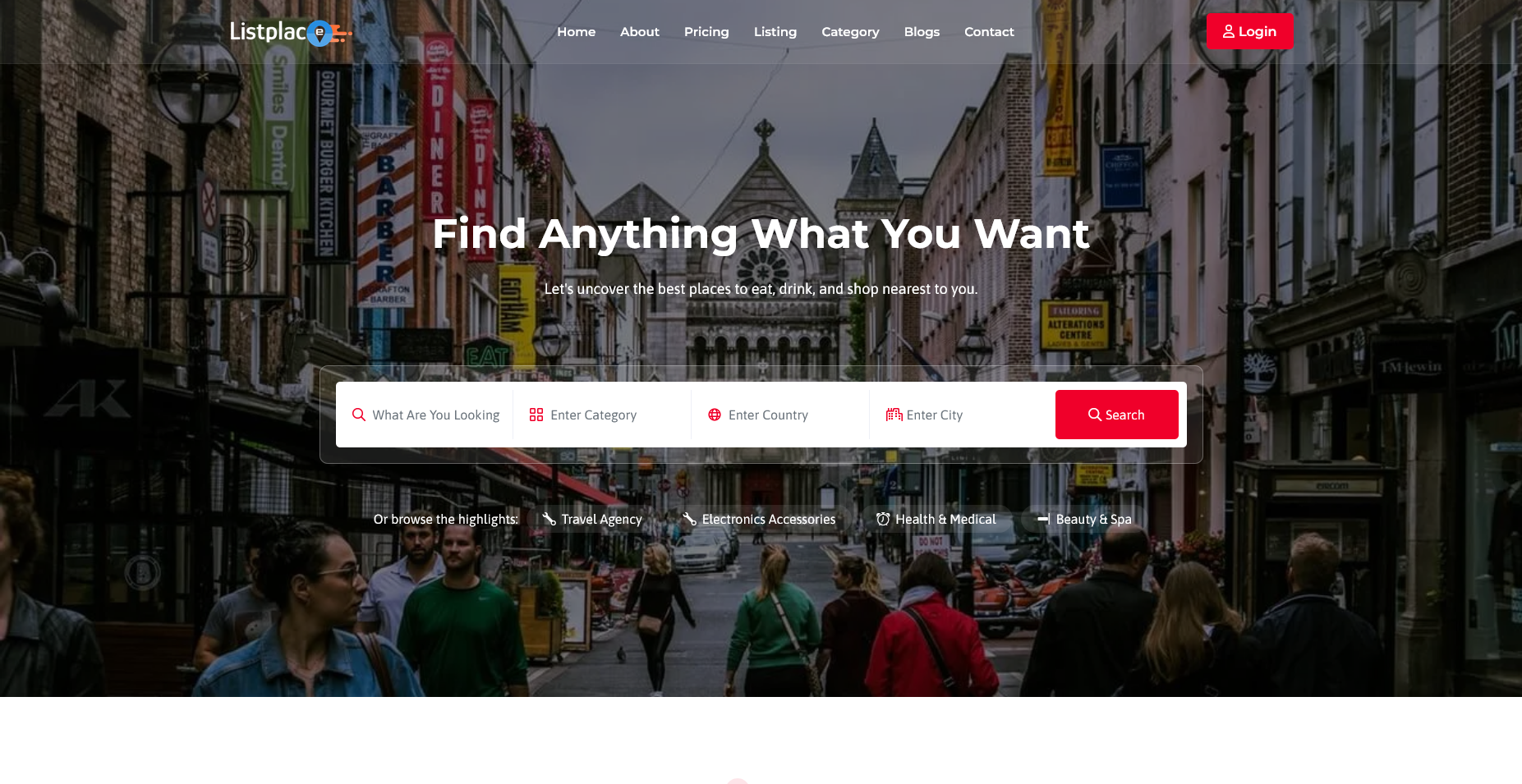
Theme - 02
Experience an alternative sleek design crafted for niche business directories, seamless category navigation, and quick listing discovery.
View Demo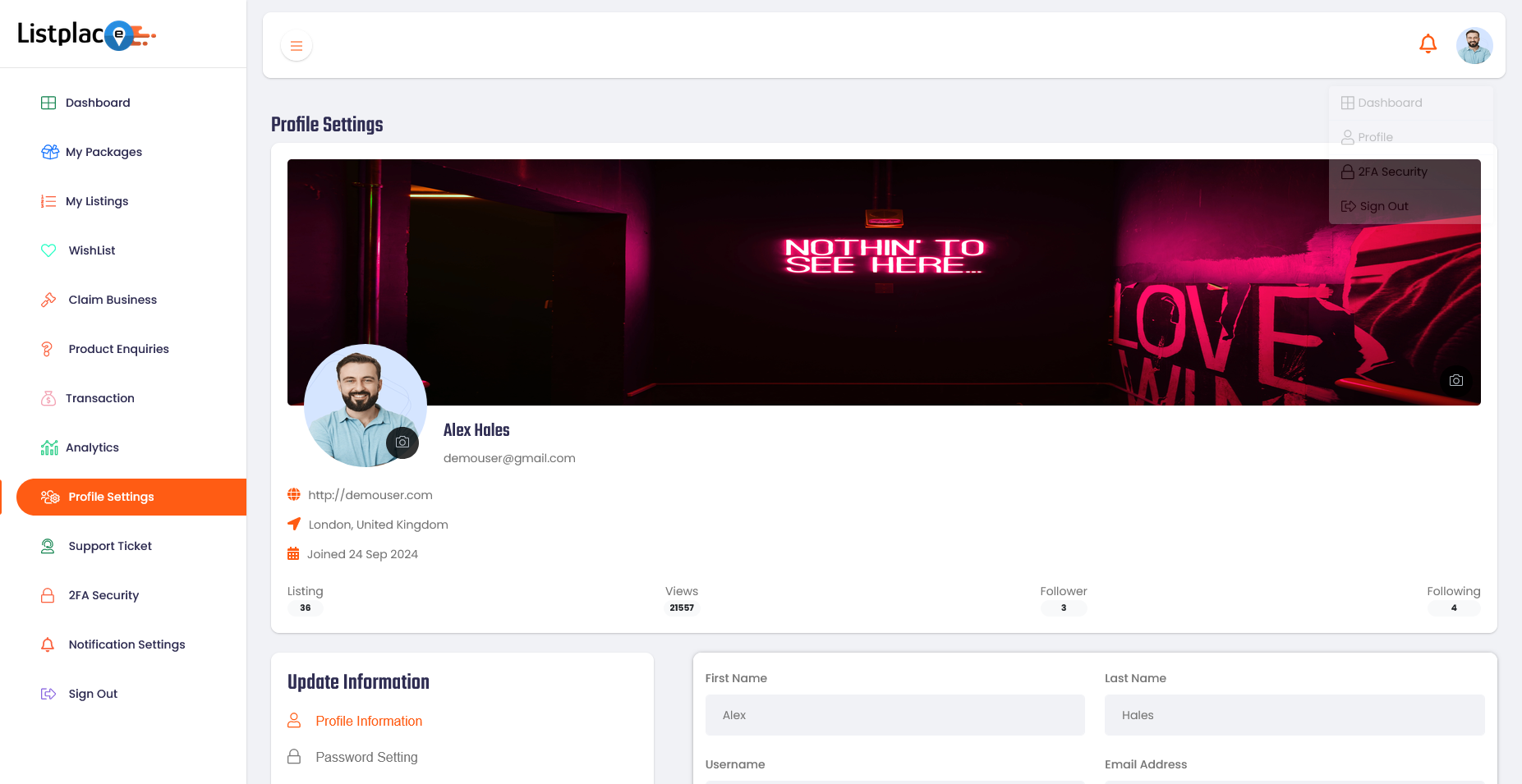
User Panel
Submit and manage business listings, configure custom fields, choose paid listing packages, and track listing performance analytics.
View Demo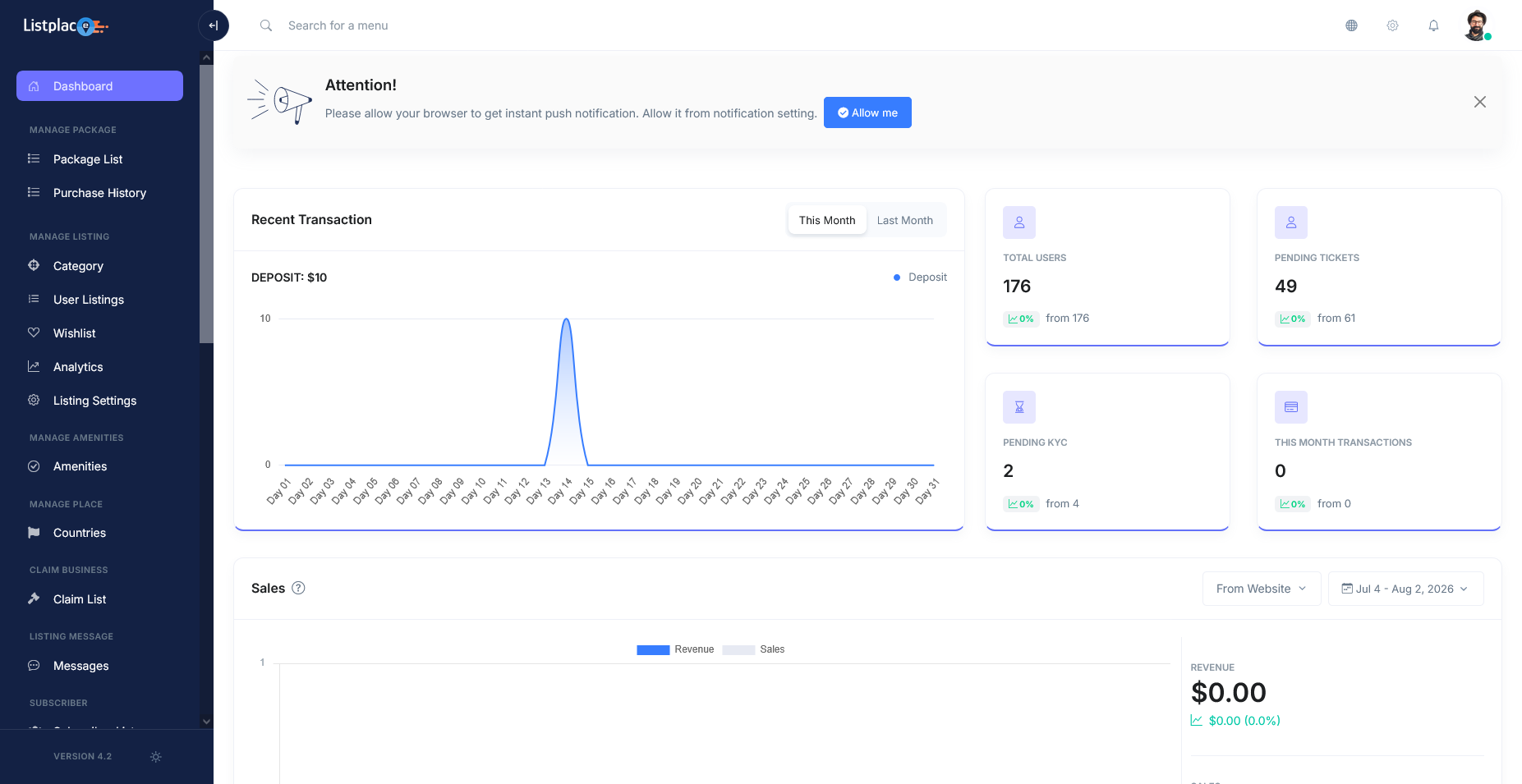
Admin Panel
Effortlessly manage categories, tags, custom fields, listing approvals, paid listing plans, monetization settings, and site configuration.
View DemoTest ListPlace Mobile Application (Flutter APK)
Scan the QR code with your mobile phone camera for instant download, or click the download button below to test our cross-platform Flutter mobile application live on Android devices.
ListPlace User & Directory App
Test business directory search, category & tag navigation, location radius filters, user account creation, submitting new business listings, dynamic custom field forms, customer reviews, wishlists, and direct business inquiries directly on your mobile device.
 Scan QR Code with Phone Camera to Download
Frequently asked questions
Have questions?
We've collected answers to the most common ones.